
Know exactly what you own
Avoid duplicate purchases and messy notes by keeping a clear list of collected cards and incomplete sets.
Inside the app
Check the image and source details. Two cards of the same member can come from different albums, stores, or events.
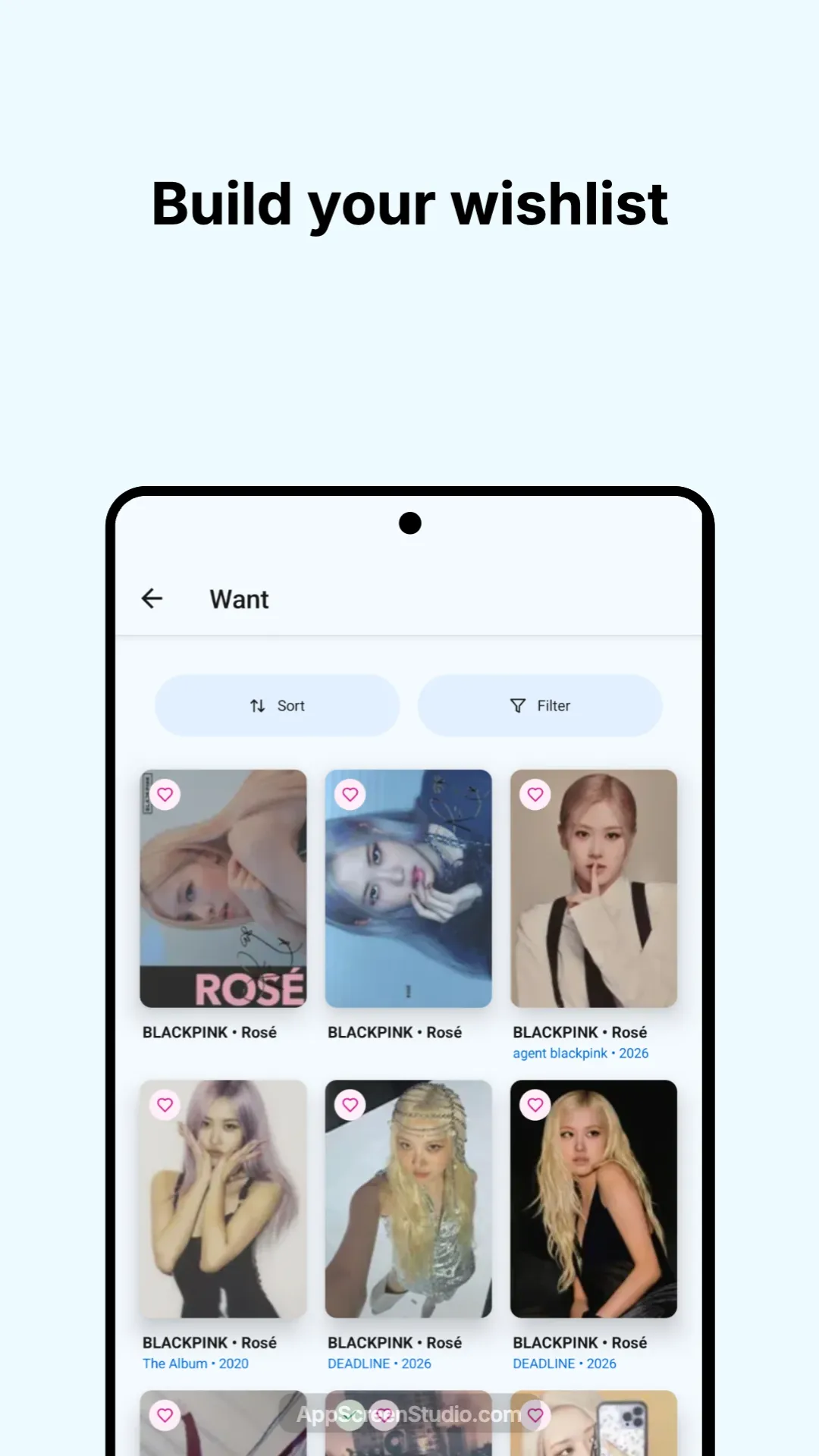
Keep wanted cards in one list, alongside the catalog details that distinguish each version.
When the card arrives, update its collection status so an old wishlist does not lead to a duplicate purchase.
Catalog coverage depends on community contributions. You can propose a missing card rather than treating a similar image as the same entry.
Avoid duplicate purchases and messy notes by keeping a clear list of collected cards and incomplete sets.
Whether you collect one bias, one group, or full album sets, you can see your collection progress in a way that matches your goals.
When you know what is owned and what is still missing, buying and trading decisions get much easier.
How the tracker helps
Next steps
Track quantities, duplicates, incoming cards, and trade cards beyond a simple owned list.
Move from manual spreadsheet tracking to a mobile collection workflow built for K-pop photocards.
Turn collection tracking into a digital binder you can review before purchases and trades.
Designed around real collector questions and search intent.
The easiest method is to use a dedicated photocard tracker that lets you log owned cards, missing cards, wishlists, and duplicates in one place.
For most collectors, yes. Bibliocards is made specifically for photocard collecting, so it is faster to browse, organize, and update than a generic spreadsheet.
Yes. Bibliocards supports both broad collection tracking and focused collecting styles like member, unit, era, or album set collecting.
Yes. Keeping duplicates visible next to your main collection makes trades and sales much easier to manage.
More ways to collect smarter
Bibliocards helps collectors turn physical binders into a searchable digital space. Track every photocard, sort by member or era, and keep your collection available anywhere.
Bibliocards helps collectors manage more than a simple checklist. Track owned photocards, wanted cards, incoming cards, trade cards, quantities, and binder placement from one mobile library.
Bibliocards helps collectors manage wishlists with less friction. Keep track of dream cards, missing members, era goals, and trade targets without losing context.